(01) The challenge
Luminaire had model access and a paying audience, but the product felt like a terminal. Prompts disappeared into a scrolling log, generations failed silently, and new users bounced before their first image.
(02) Approach
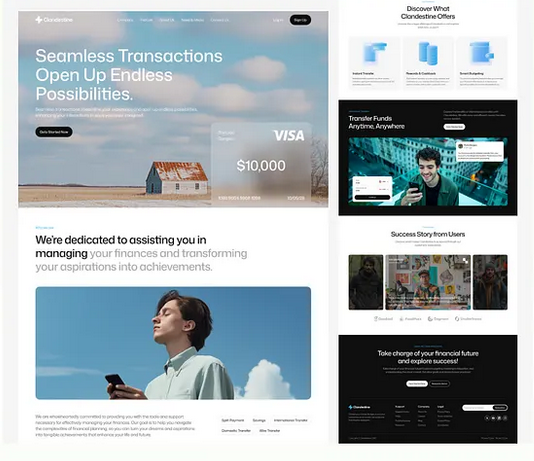
Instead of hiding latency, we gave it a place on screen: every job has a visible state, a reason when it fails, and a retry that keeps the prompt intact. The gallery became the home surface, so returning users land in their own work.
(03) Outcome
Activation improved immediately once people could see what the platform was doing. Repeat generations per session more than doubled, and the failure question largely left the support queue.
52s
Median time to first image
2.4x
Generations per session
-41%
Support messages
(04) What we did
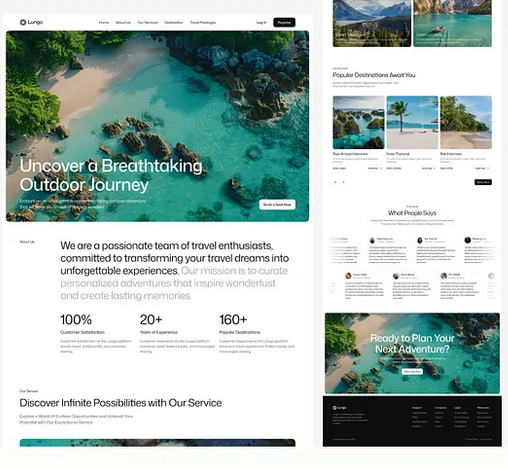
We designed failure, loading and empty first - the states a generation tool lives in - then built the success path around them. It is the reason the launch felt finished rather than fast.